


Choose your VeCODER by resolution and codec
Two simple questions: HD or 4K, and H.264 or HEVC. Then pick your channel count.
| Model | Resolution | Codec | Input | Channels | Price From |
|---|---|---|---|---|---|
| VeCODER ULTRA HD H.264 | 1080p HD | H.264 | HDMI | 4 – 16 | $2,990 |
| VeCODER ULTRA HD H.264/H.265 | 1080p HD | H.265 / H.264 | HDMI | 4 – 16 | $3,590 |
| VeCODER ULTRA 4K H.264 | 4K UHD | H.264 | HDMI | 2 – 8 | $3,590 |
| VeCODER ULTRA 4K H.264/H.265 | 4K UHD | H.265 / H.264 | HDMI | 2 – 8 | $3,590 |
| VeCODER ULTRA-4 SDI | 1080p HD | H.265 / H.264 | 3G-SDI | 4 | $5,990 |
-
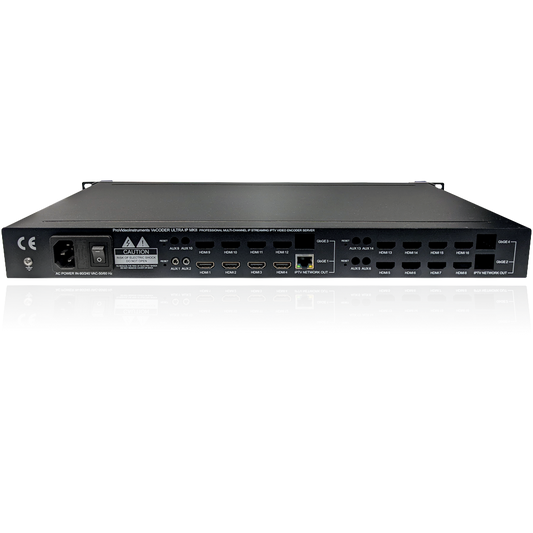
VeCODER ULTRA HD H.264 — Multichannel HDMI IPTV Encoder (4–16 Channels)
4–16 channel HD H.264 rack encoder — the highest-density HD streaming headend.
Regular price From $2,990.00 USDRegular price$3,190.00 USDSale price From $2,990.00 USD You save $200.00Sale -
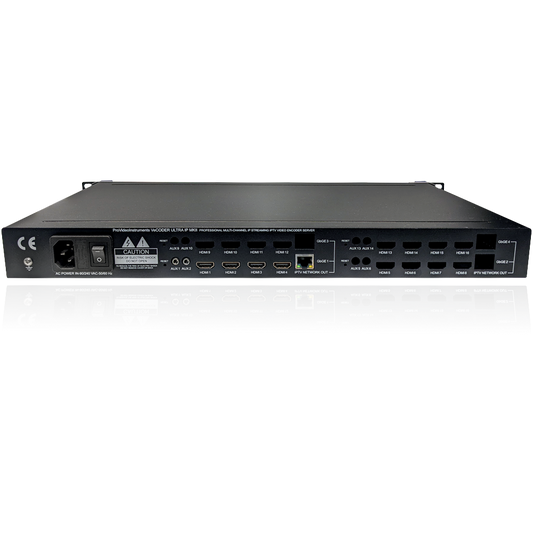
VeCODER ULTRA HD H.264/H.265 — Multichannel HDMI IPTV Encoder (4–16 Ch)
4–16 channel HD H.265/H.264 rack encoder — maximum density at the lowest bitrate.
Regular price From $3,590.00 USDRegular price -
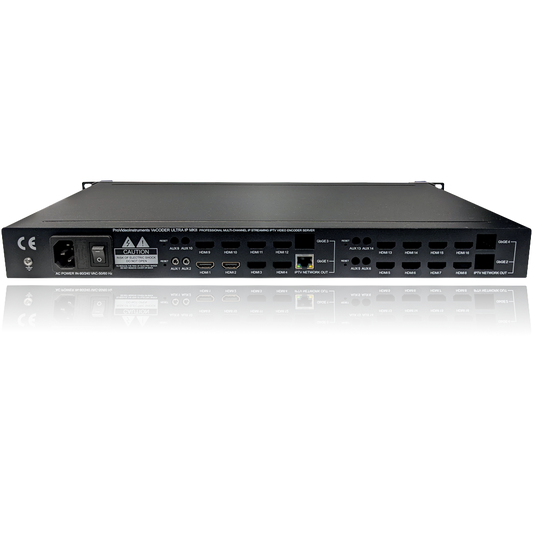
VeCODER ULTRA 4K H.264 — Multichannel HDMI IPTV Encoder (2–8 Channels)
2–8 channel 4K H.264 rack encoder — multiple Ultra-HD streams in one rack unit.
Regular price From $3,590.00 USDRegular price -
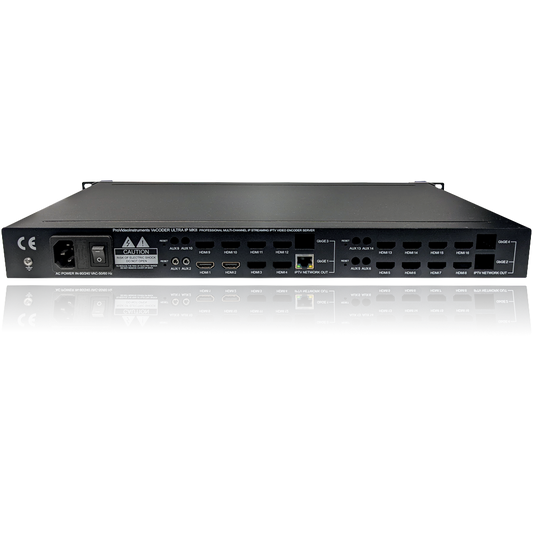
VeCODER ULTRA 4K H.264/H.265 — Multichannel HDMI IPTV Encoder (2–8 Ch)
2–8 channel 4K H.265/H.264 rack encoder — efficient multichannel 4K streaming.
Regular price From $3,590.00 USDRegular price -
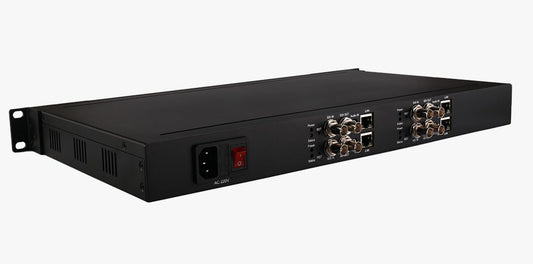
VeCODER ULTRA-4 SDI — 4-Channel SDI IPTV Encoder (Rack Streaming Server)
4-channel 3G-SDI rack encoder — broadcast multichannel ingest to IP.
Regular price $5,990.00 USDRegular price$6,590.00 USDSale price $5,990.00 USD You save $600.00Sale -
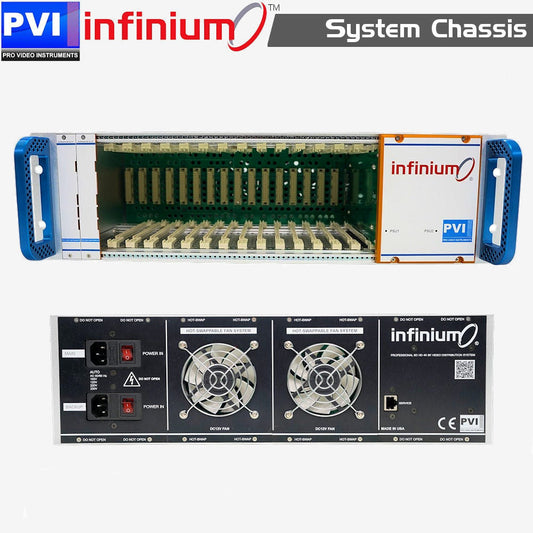
INFINIUM 4K — Modular 4K/HD Video Distribution Chassis
Scale up: the modular 14-slot INFINIUM headend streams over IP and coax at once.
Regular price $995.00 USDRegular price$1,195.00 USDSale price $995.00 USD You save $200.00Sale






How to choose a VeCODER
Step 1: HD or 4K?
If your sources and displays are 1080p, an HD model gives you the highest channel density (up to 16 channels in 1RU). If you need Ultra-HD, choose a 4K model (2 to 8 channels).
Step 2: H.264 or HEVC?
H.264 is the most compatible with existing players and the best value. H.265/HEVC halves the bandwidth for the same quality — worth it for 4K or bandwidth-constrained networks. The dual-codec models do both.
Step 3: HDMI or SDI?
Most VeCODERs ingest HDMI. For broadcast cameras, switchers, and routers, the ULTRA-4 SDI takes four 3G-SDI inputs.
Step 4: Channel count
Pick the channel count that matches your source count today — every VeCODER is a single managed rack unit with web control, SRT, and multicast. To pair decoders, see the VePLAYER range; for a modular, hot-swappable, coax-capable alternative, see INFINIUM 4K.


Ready to build your IP streaming system?
Free shipping over $500 · 5-year warranty · Free unlimited tech support · Made in USA