


Tech Support for VePLAYER HD 4K IPTV IP streaming decoder for professional live streaming decoding of any format including h264 h265 hevc ac3 rtmp rtsp udp rtp rtsp srt ndi and more
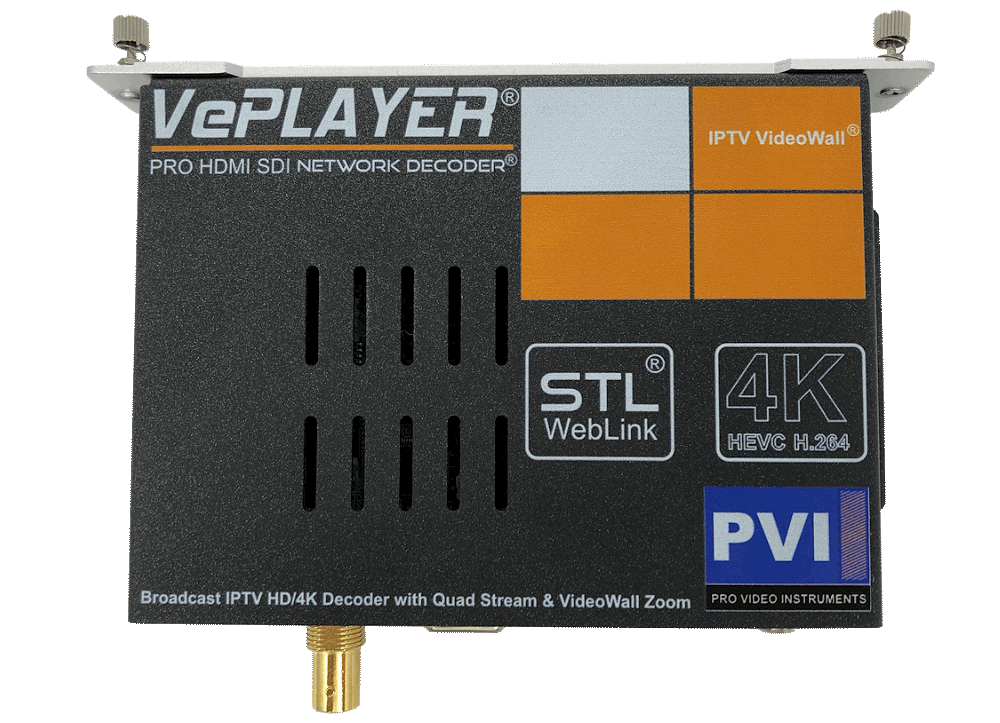
VePLAYER Firmware Upgrade

VePLAYER V1.63.4
Download Software
Installation Steps
- Record your current unit settings
(you will need to re-enter them after the update) - Download the firmware file
- Rename the file to up.rar (lowercase)
- Install via the unit's SYSTEM menu
- Reset or power-cycle the unit when complete
- Restore your settings
Important — Please Read Before Proceeding
This firmware upgrade is ONLY for VePLAYER 2023 model.
A power loss during the update or installing on an incompatible model may damage your unit.
Please note: Warranty does not cover damage caused by self-performed firmware upgrades.
We recommend upgrading only when necessary.
VePLAYER Instruction Manual

VePLAYER MANUAL
Additional Documentation
No additional documentation available at this time.
Need Additional Help?
We typically respond within 24 hours on business days.
Need more help? Our US-based engineers are here for you.
We typically respond within 24 hours on business days.
Call +1 407 720 6101
Contact Support